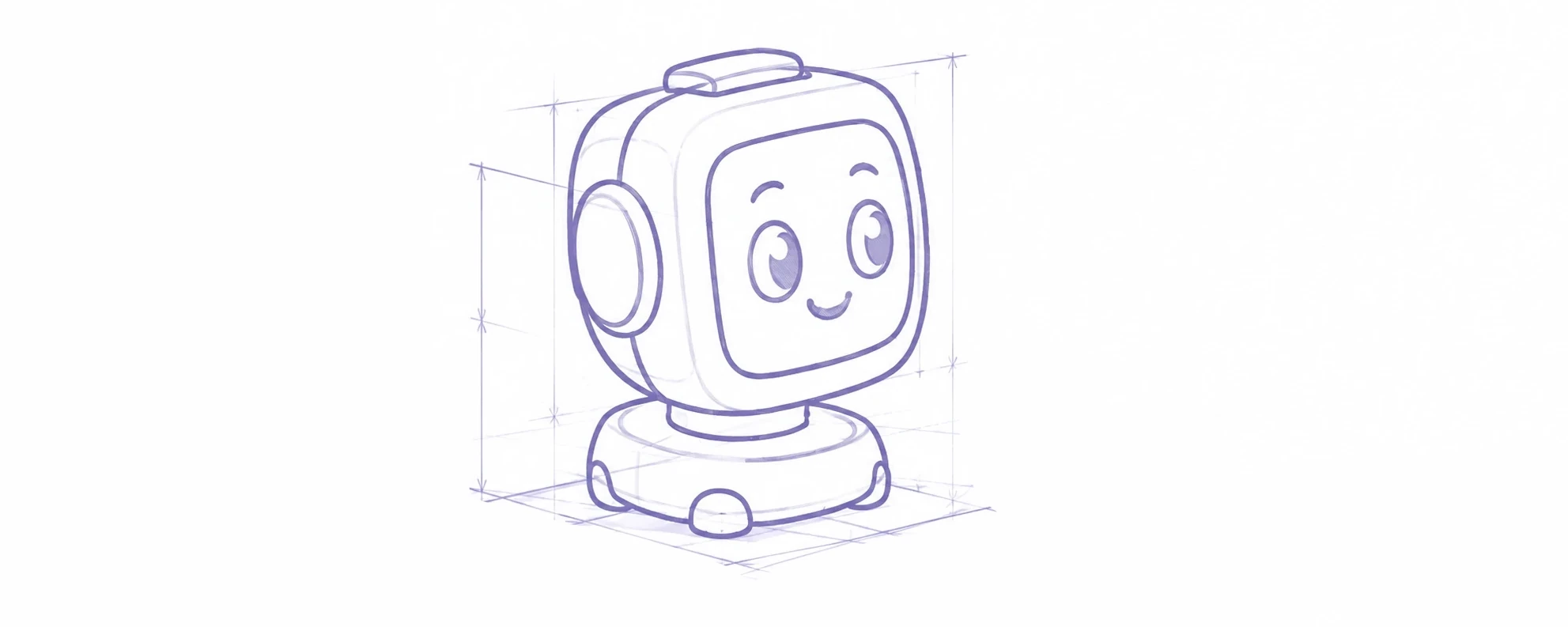
Dum-E - A deskpet combining electronics, robotics and embedded software
Before getting started, I looked at existing deskpets to understand what interested me about building one. Above all, I wanted to carry out a complete project to strengthen my C++ skills and explore new areas, especially robotics.
The Dum-E project page brings together the overall architecture and the different development phases.
A few inspiring projects
Before committing to such a long development, it is useful to draw inspiration from existing projects and to see which approaches have already been explored. The project that most made me want to get started was Ons Bahri's deskpet, shared on LinkedIn:
https://www.linkedin.com/feed/update/urn:li:activity:7484932310392442881/
Other projects also caught my attention, including the quadrupeds by PetoiCamp and PingguSoft. Both are closer to the Boston Dynamics style of quadruped.
The idea of interacting with the robot, seeing different facial expressions on an LCD screen, and being able to update the system over OTA were the main ideas I kept when shaping Dum-E.
Overall architecture
The long-term goal is to make several subsystems coexist without the constraints of one peripheral blocking the others. The architecture is therefore built around a central behavior controller and tasks that own their hardware.
Phase 1: creating a familiar face with 3D vision and facial expressions
A robot fitted with many sensors can seem intimidating. I wanted to make Dum-E friendly from the first glance. Named after Iron Man's assistant robot, Dum-E combines a proximity sensor and an LCD display to produce an immediately readable reaction.
The first version includes:
- an ESP32-S3 N16R8 microcontroller
- a VL53L5CX to detect the presence and position of an object in front of the robot
- a 240 x 240 GC9A01 round LCD to show facial expressions
The first goal was not to make the quadruped walk yet, but to validate a complete perception and expression loop:
- detect an object in part of the field of view
- determine its main direction and proximity
- send compact information to the robot's brain
- select a gaze direction and an expression
- animate the face without blocking other processing
The expected result sounds simple: change expression when an object is detected. It still requires careful handling of ToF measurements, detection zones and threshold oscillations, as well as graphics rendering, task coordination and memory use.
Facial expressions with the GC9A01 module
First approach: one image per expression
The GC9A01 was chosen for its round shape and ease of use. It connects easily to the ESP32-S3 over SPI, which provides a high transfer rate. The first approach was to associate one image with each expression, as shown below.
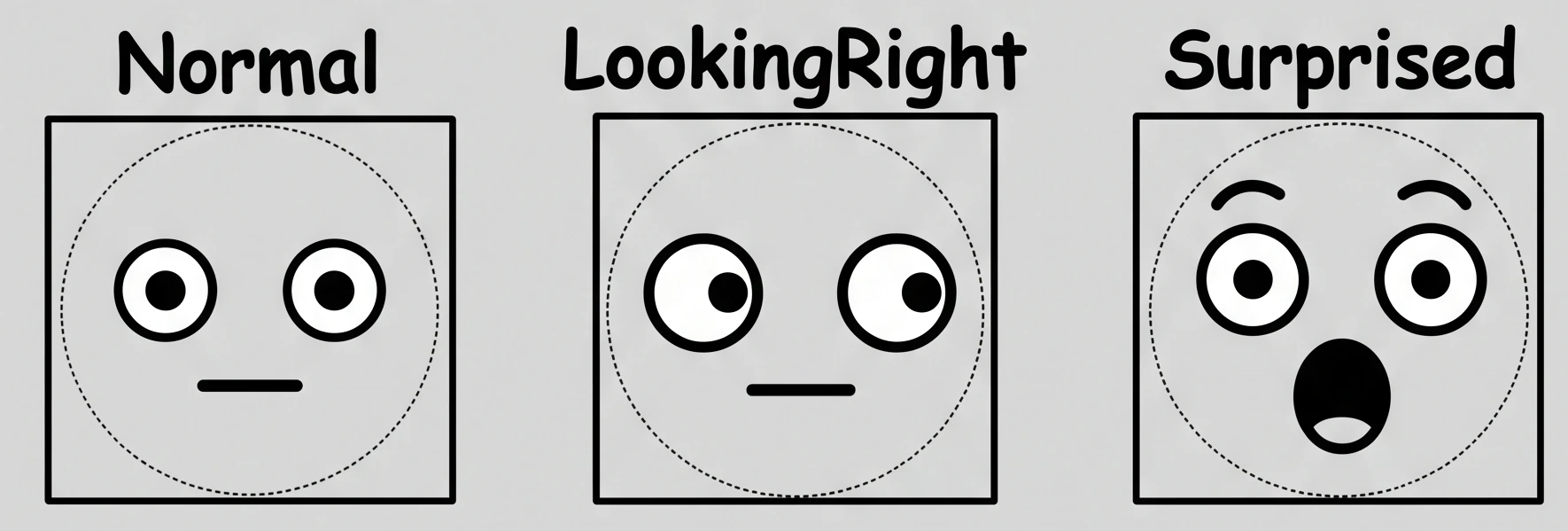
After setting up the SPI bus and running the first display tests, two issues appeared:
- transitions between expressions were too direct: the abrupt image change did not make the robot's reactions feel smooth
- expression images required too much memory
Second approach: using LVGL (Light and Versatile Graphics Library)
To create transitions between expressions, displaying one image per pose is no longer enough. The face elements must be described, then their properties transformed to move gradually from one expression to another. Eyes, pupils, eyebrows, mouth and decorations such as tears or blush marks are grouped in a FacePose structure and drawn with LVGL primitives.
struct FacePose {
  EyePose eyes;
  PupilPose pupils;
  BrowPose brows;
  MouthPose mouth;
  std::array<DecorationPose> decorations;
};
LVGL is a graphics library suited to embedded systems. It provides drawing objects, invalidated-area handling and timers, Display_thread is its only execution context. This makes it possible to calculate intermediate poses and send only the required strips to the display without blocking the sensing or behavior tasks.
For each expression request, a function interpolates from the state actually shown on screen to the new pose. There is no need to define a transition table for every pair of expressions, and new expressions can be added easily. Nine poses can already evolve freely, although not every trigger condition has been implemented yet.
To further reduce the memory used by the LCD, SPI transfers use DMA. Only two 240 x 40 pixel strips are allocated, then sent in six passes at 40 MHz to refresh the display.
| Strategy | Memory | Allocation | Consequence |
|---|---|---|---|
| Full RGB565 framebuffer | 115,200 bytes | Direct | Simple, but expensive in internal SRAM |
| Two 240 x 40 pixel strips | 38,400 bytes | DMA | More complex, but lighter on internal SRAM |
The video below shows expression transitions and gaze movement.
Proximity detection with the VL53L5CX
The VL53L5CX is a multizone depth sensor capable of measuring up to 8 x 8 zones. Its library is compatible with the ESP32-S3. The current configuration uses a 4 x 4 zone grid at 4 Hz so the system is not overloaded with data that can be processed every 250 ms. Sixteen cells are enough to validate the directional classification while reducing both data volume and processing cost.
After initialization and configuration, the sensor uses an interrupt to signal that a new measurement is available. A 100 ms fallback wake-up avoids relying entirely on that interrupt: after every wake-up, the task explicitly checks whether data must be analyzed.
From the depth field to pupil movement
For now, tracking is simpler than a continuous centroid calculation. The sixteen zones are grouped into eight directional sectors plus the center. The directional grid is:
After a few tests, I settled on three proximity levels:
Nearat 100 mm or lessFarbetween 100 and 250 mmClearbeyond 250 mm
Connecting the ToF module and LCD display
The system follows a simple ownership rule to separate the responsibilities of each task and to make it easy to add new subsystems, such as servomotors:
| Task | Role | Exclusive ownership |
|---|---|---|
Brain_thread | Resolve behavior | BehaviorController |
Sensors_thread | Perform measurements | VL53L5CX |
Display_thread | Animate and draw | LVGL and GC9A01 |
Communication goes through FreeRTOS message queues: PetEvent connects the sensor task to Brain_thread, while DisplayCommand carries rendering instructions to the display. The display queue follows a latest-value-wins policy: older commands are replaced because only the most recent reaction should be shown.
When an object is detected, the flow is:
Phase 1 summary
This phase delivers a working chain from measurement to rendering: the ToF sensor publishes a spatial change, Brain_thread chooses a state and a direction, then the display task animates the face with a smooth transition.
Dum-E can already:
- look in eight directions or return to the center
- distinguish a distant presence from immediate proximity
- blink in its normal state through a continuous routine when there is no event
- switch to a surprised expression when an object gets too close
- cleanly replace an animation in progress with the latest reaction
Beyond moving eyes, the goal is to establish a reliable communication model between tasks. Motors will in turn receive commands, audio will produce events, and OTA will remain isolated from rendering. Phase 2 will add a more physical constraint: moving four servomotors without causing a brownout, with separate power rails and non-blocking trajectories.